
Send to My Fleet
You can buy Driver ELD for yourself, then request connection to your fleet. Your fleet must approve the connection before you can access its authorized vehicles and records. Use this form to request a follow-up about sharing Driver ELD with your fleet.
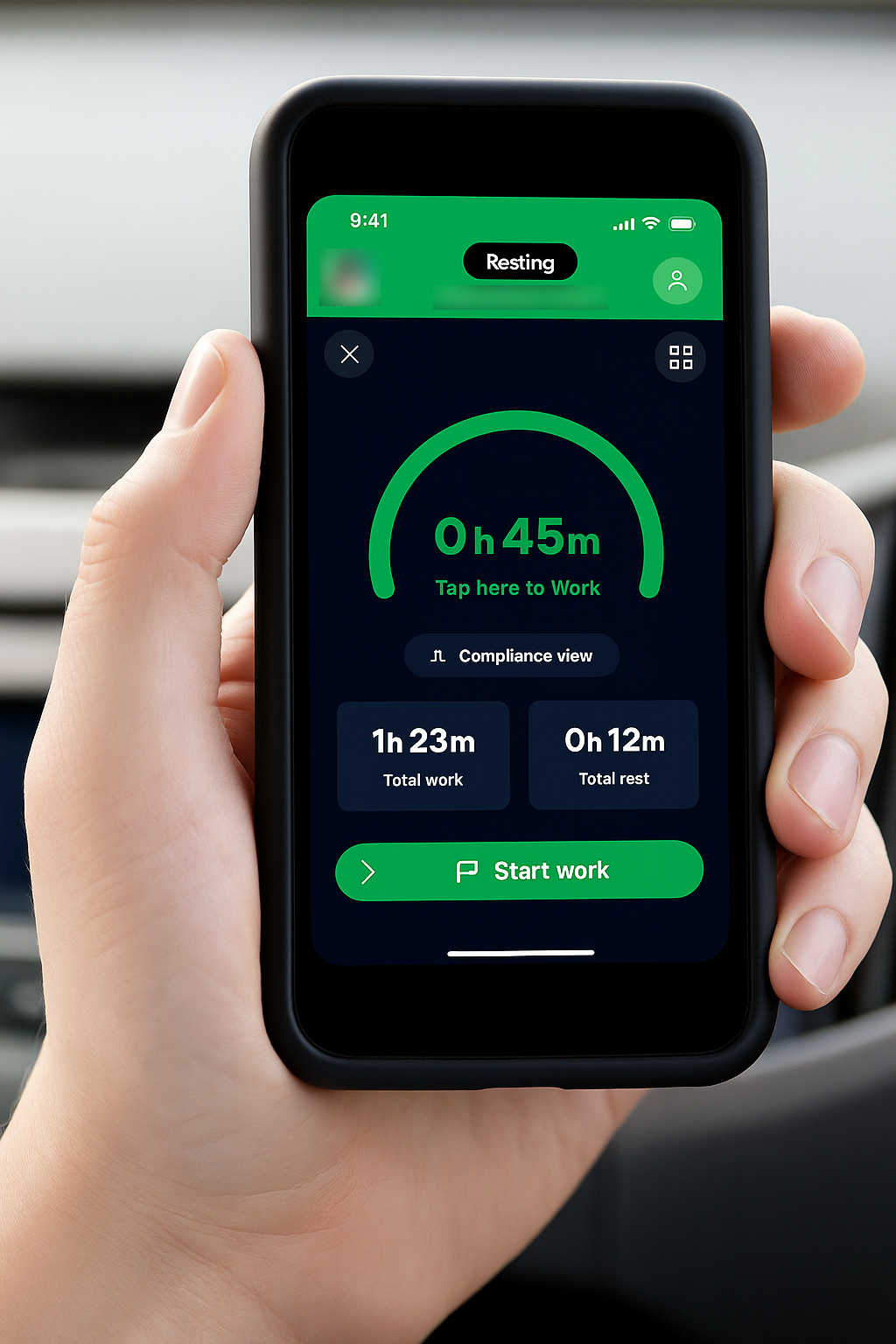
How it works
Buy for yourself.
Drivers may buy Driver ELD independently. Buying for yourself does not give you authority to buy subscriptions on your fleet's behalf.
Request a connection.
After joining OneRoad, you may request connection to your fleet. The fleet must approve the connection before you can access its authorized vehicles and records.
Get vehicle approval.
A personal OBx may not be installed or used in a carrier vehicle until the carrier approves the connection and the vehicle.
Ask for help.
Use the form below to request a follow-up about sharing Driver ELD with your fleet.
Who this is for
Drivers who work for a carrier and want to use Driver ELD in that job.
If you run your own authority, you can review the plans on Get Started.
Good to know
Submitting this form does not:
- approve a fleet connection
- create an account
- start a subscription or take a payment
- approve installing or using an OBx in a carrier vehicle
- authorize a purchase on the fleet's behalf
Fleet approval is required for connection and vehicle access. It is not a condition of independently buying your own Driver ELD subscription.
Request a follow-up
Enter your details and the work contact of the person who manages your fleet — for example, a fleet, safety or operations manager.
Use this form to request a follow-up about sharing Driver ELD with your fleet.
Questions first? Contact us